Your account connects the preliminary check with your saved property workspace.
Create your account #
Begin with Analyze a Property and complete the preliminary-check steps. At the save step, choose the available Google or email registration method. Read the terms and privacy information before completing registration. Use an email you can access and retain the same sign-in method for future visits.
Return to your workspace #
Use Sign In on the website to open the investor login. Sign in with the account used for the original property. If you cannot find a saved property, first check whether you used a different email address or Google account.
What an account does—and what it does not do #
An account lets you return to saved property work. Creating one does not submit a lender application, lock a rate, or authorize a credit pull for the preliminary check. A later application has its own consent and document requirements.
See this step in the app #
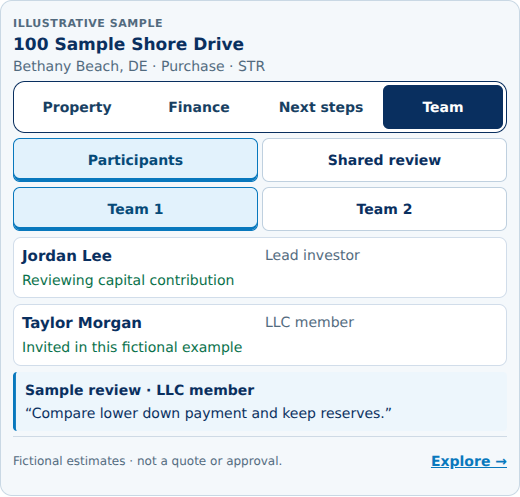
Explore this screen in the interactive demo. Open the screenshot to inspect it at full size.
Related help #
Analyze a Property · Contact STR Advisory
Property and financing outputs are preliminary estimates, not an approval, rate lock, commitment, or guarantee. Eligibility and final terms require professional review and lender underwriting.


